Asgard Slots Casino Android App
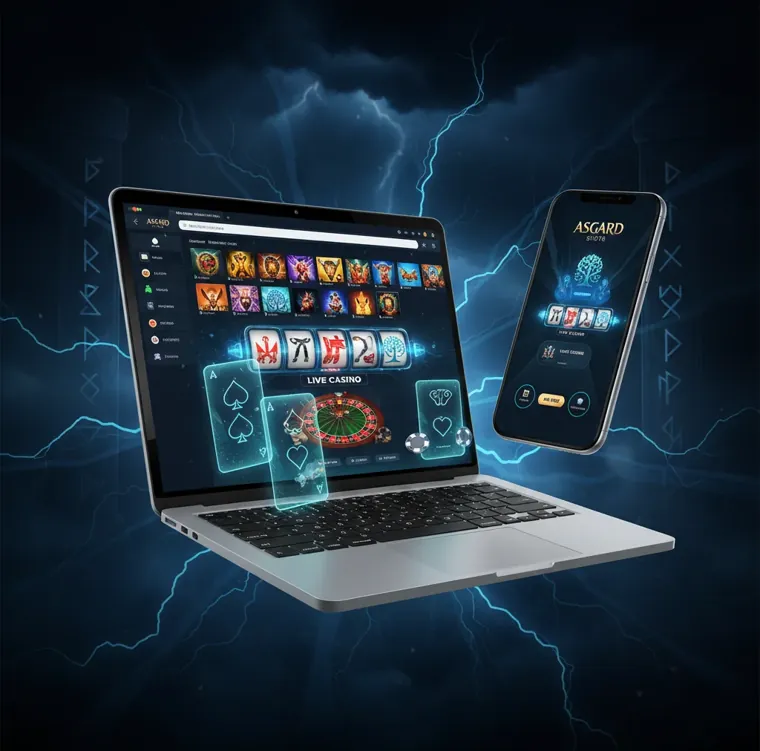
The Asgard Slots Casino Android app puts the full casino in your pocket: slots, live tables, poker and sports betting in one light APK. Download the file, grant a quick permission, and your 100% welcome bonus with 50 free spins is waiting.

APK v4.2
Latest build
Under 25 MB
Light install
Android 8.0+
Wide support
100% + 50 FS
Welcome offer
Curacao licence
8048/JAZ2021-056
Crypto + cards
8 methods
Device requirements for the Android app
Check your phone can handle the casino before you download
The Asgard Slots Casino app runs as a direct APK download rather than a store listing, which is standard for real money casino software on Android. Before you grab the file, it pays to check that your phone can handle it. The build is light, under 25 MB, so it sits comfortably on older handsets as well as newer flagships.
Most phones from the last five or six years run the app without trouble. The slots from Pragmatic Play and NetEnt are the heaviest part of the library, and live tables from Evolution stream best on a stable connection. If your phone struggles with video, drop the stream quality inside the live lobby.
- Android 8.0 Oreo or newer for full compatibility
- At least 2 GB RAM, 4 GB recommended for live dealer tables
- Around 150 MB of free storage after the install
- A steady Wi-Fi or 4G connection for streaming Evolution games
| App name | Asgard Slots Casino for Android |
| File type | APK, direct download |
| File size | About 24 MB |
| Latest version | 4.2 |
| Minimum Android | 8.0 Oreo |
| Recommended Android | 11 or newer |
| RAM minimum | 2 GB |
| RAM recommended | 4 GB |
| Free storage | 150 MB |
| Screen size | 5 inch or larger |
| Connection | Wi-Fi or 4G/5G |
| Language | English |
| Currency | USD |
| Licence | Curacao eGaming 8048/JAZ2021-056 |
| Game types | Slots, live, poker, sports |
| Providers | Pragmatic Play, Evolution, NetEnt, Microgaming, Quickspin, Yggdrasil |
| Payments | Bitcoin, Ethereum, Litecoin, Tether, TRON, Dogecoin, Visa, Mastercard |
| Support | Live chat, email, phone, Telegram, Facebook |
| Download cost | Free |
| Age limit | 18+ |
| Phone tier | Example spec | What to expect |
|---|---|---|
| Entry level | 2 GB RAM, Android 8 | Slots and instant games run fine |
| Mid range | 4 GB RAM, Android 11 | Smooth live tables and fast loading |
| Flagship | 6 GB plus, Android 13 | Everything at top quality, no lag |
How to download the APK step by step
From the casino site to the app icon in under two minutes
Getting the app takes under two minutes on most phones. The link lives on the casino site rather than an app store, so you download the APK directly. Follow these steps in order.
Open the site on your phone
Visit asgard-slots.com in Chrome or any mobile browser. The Android download lives in the main menu.
Tap the Android download
Select the app or Android icon. The APK file starts downloading right away, no account needed yet.
Wait for the file
The download finishes in a few seconds on most connections, since the file stays under 25 MB.
Open the APK
Tap the file in your notification bar or your Downloads folder to launch the installer.
Confirm the install
Approve the install prompt. The app icon lands on your home screen once it completes.
Log in or register
Open the app, create an account or sign in, then make your first deposit to trigger the 100% match and 50 free spins.
ASGARD100Allowing the unknown sources permission
Why Android asks and how to grant it safely
Android blocks installs from outside its own store by default. This is a safety setting, not a fault with the app. To install any APK, including casino apps, you grant a one time permission to your browser or file manager. You can switch it back off afterwards and the app keeps working.
Tap the downloaded APK
Android shows a message that installs from this source are blocked.
Open settings from the prompt
Tap Settings on that message, or go to Settings, Apps, Special access on your own.
Find Install unknown apps
Select the browser you used, usually Chrome, then turn on Allow from this source.
Return and install
Go back to the APK and tap Install. The permission stays tied to that one app.
Turn it off again if you prefer
Once installed, you can disable the permission. The casino app still runs normally.
Installation troubleshooting
Common errors and the fastest fix for each
Most installs go through on the first try. When something stalls, it usually comes down to storage, connection or a leftover old version. The table below covers the common cases and the quickest fix for each.
| Problem | Likely cause | Fix |
|---|---|---|
| App not installed | Older version still present | Uninstall the previous build, then install again |
| Download keeps failing | Weak signal or full storage | Switch to Wi-Fi and free up 150 MB |
| Parse error | Incomplete or corrupt file | Delete the file and download it fresh |
| Install blocked | Unknown sources still off | Allow your browser under Install unknown apps |
| Crashes on launch | Low RAM or background load | Close other apps and restart the phone |
| Live tables buffer | Slow video stream | Lower the quality in the live lobby |
| Login fails | Wrong details or cached data | Reset your password or clear the app cache |
If a problem sticks around, the support team answers through live chat, email, phone, Telegram and Facebook. Live chat is the fastest on most days, though weekend replies can run a little slower.
Features in the Android app
The desktop casino, sized for a touchscreen
The Android app mirrors the desktop site rather than stripping it back. You get the same library, the same cashier and the same account, built for a phone screen.
Full game library
Slots, live tables, poker and sports sit in one app, the same selection as the website.
Crypto and card cashier
Deposit and withdraw with Bitcoin, Ethereum, Litecoin, Tether, TRON, Dogecoin, Visa or Mastercard.
Push notifications
Alerts for tournaments, free spin drops and reload bonuses without opening the site.
Quick login
Save your details or sign in with your fingerprint where your phone supports it.
Home screen shortcuts
Pin favourite games for one tap access straight from your phone.
One account
Balance, bonuses and history sync with the web version instantly.
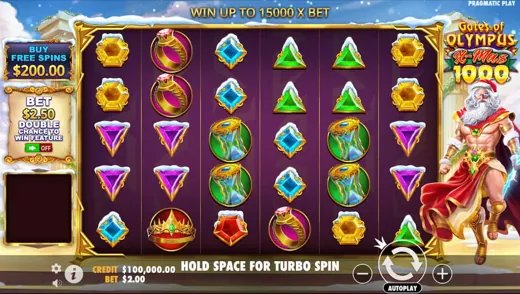
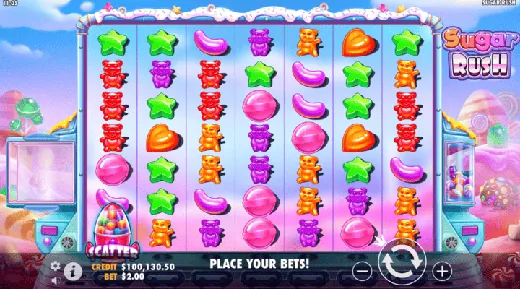
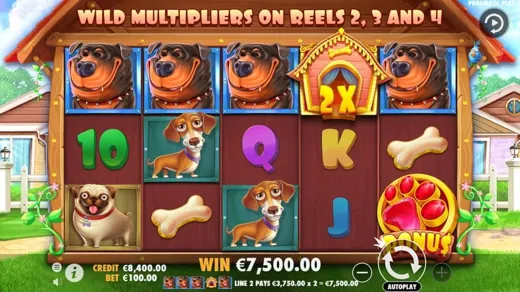
Popular slots on mobile
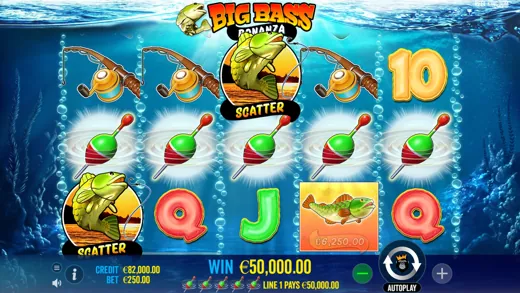
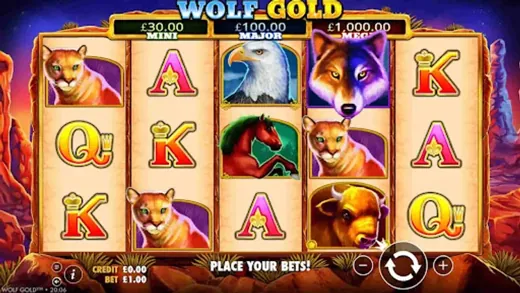
Player reviews of the app
Real impressions from people running the Android build
I started on desktop years back but switched to my phone when I got tired of being stuck at a chair. The Asgard app was the first casino APK that installed without a fight. Took maybe a minute. I mostly run Gates of Olympus on the train and hit a decent multiplier last month that paid for a weekend out. Withdrawals to my Litecoin wallet land the same day. The one thing I would change is the home screen, it feels a bit bare next to the website.
The app is quick and the file is tiny, so it did not eat my storage. Pragmatic slots load fast and the live blackjack stream stayed clear on 4G. Support replied in about ten minutes through chat. I would give five stars but the menu took me a moment to learn.
What sold me was the cashier. Deposited with Tether, no fuss, and the same coin came back out when I cashed in. That alone keeps me here over the card only apps I tried before.
Easy install and the bonus showed up right after my first deposit. No complaints so far.
Next to a couple of the bigger crypto casinos I use, the game range here is smaller but the app feels lighter and loads quicker. Evolution tables are the same quality you would expect. I keep it for slots sessions and use another site for poker.
The 50 free spins actually had clear wagering terms in the app, which is more than I can say for some places. Read them, played them out, and the leftover balance was real.
Live roulette runs smooth on the app as long as I am on Wi-Fi. On mobile data it buffers now and then, so I drop the quality. Otherwise it has been solid for a few weeks.
I download a new casino app maybe once a month to test it, and most get deleted the same night. This one stayed. Big Bass loads in a second, the reload notifications are actually useful, and a small win on Wolf Gold paid out to my card without the usual back and forth.
Does what it says. Support was a touch slow on a Sunday but sorted my login by Monday morning.
I do not own a laptop so the app matters to me. Next to the other phone casinos I have run, this one wastes the least space and the deposit screen is the clearest. Plinko on the go is a guilty pleasure.
Android app FAQ
Safety, bonuses, payments and device basics